Send year-end T4s and W-2s to your employees
ToolFluency works out every box from your payroll, you make the official slips on the government’s free site, and each person gets theirs in Work Suite. These are real screens from a sample business.
Payroll is part of Business Pro. Your free trial includes it, with no card.
- Step 1 of 6
Every box, already worked out
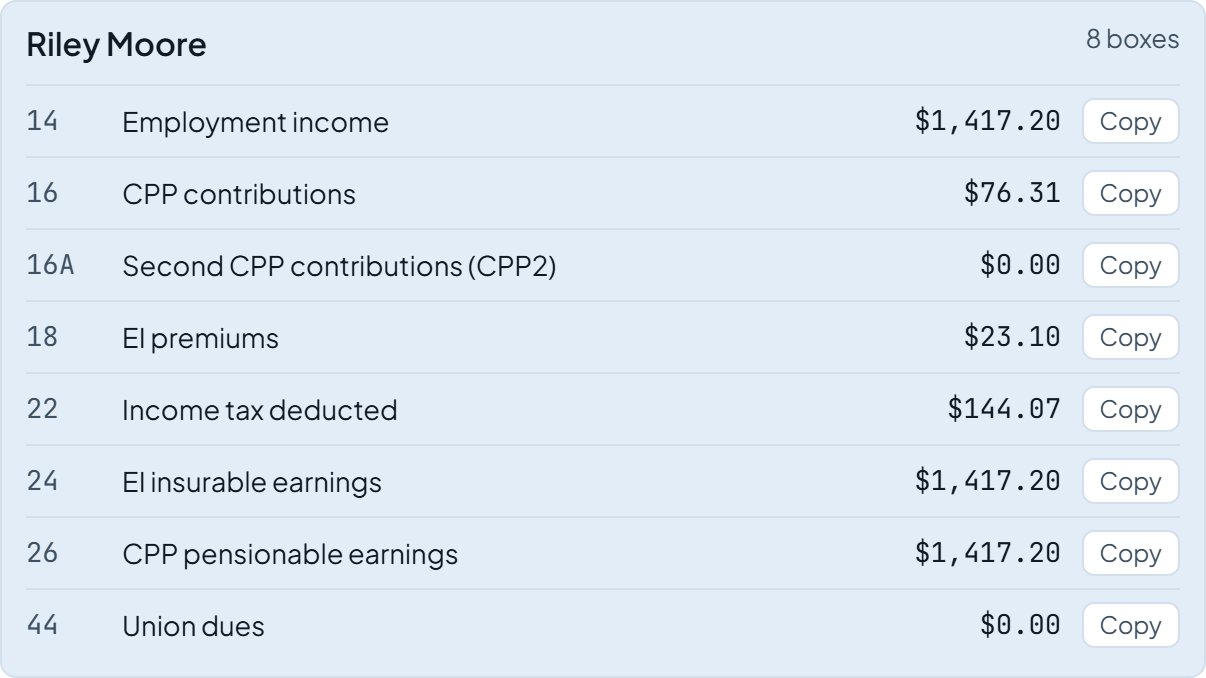
Payroll, History, Year-end slips lists each person’s T4 boxes (or W-2 boxes for a US business) from the year’s payroll runs, with a Copy button on each one.
- Step 2 of 6
Make the official slips on the government’s site
CRA T4 Web Forms and SSA W-2 Online are free. They file the slips for you and give you each person’s copy as a PDF. Each person’s private details are typed there, never into ToolFluency.
- Step 3 of 6
Upload each person’s slip
Upload each PDF and it goes straight to that person’s Work Suite. Anyone who is not on Work Suite, or who asks for paper, gets a printed copy from you.

- Step 4 of 6
They get an alert
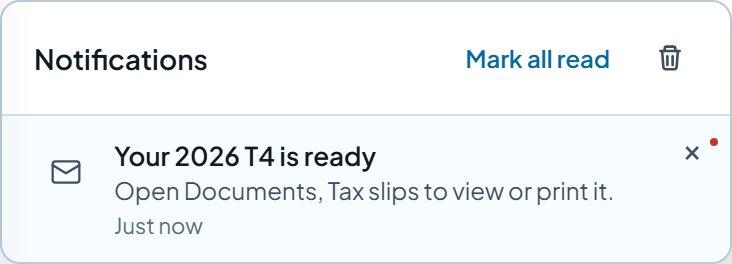
Your 2026 T4 is ready shows up in the app and by email, so nobody has to ask where their slip is.
- Step 5 of 6
Every slip in one place
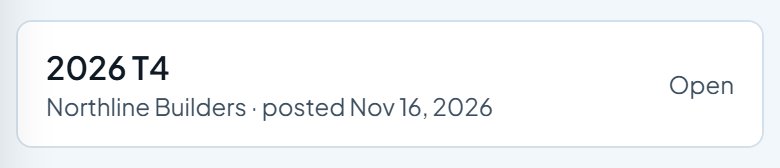
Work Suite, Documents, Tax slips keeps each year’s slip. They can open, download or print it any time. Only they and you can see it.
- Step 6 of 6
In the US, a W-2 needs their OK first
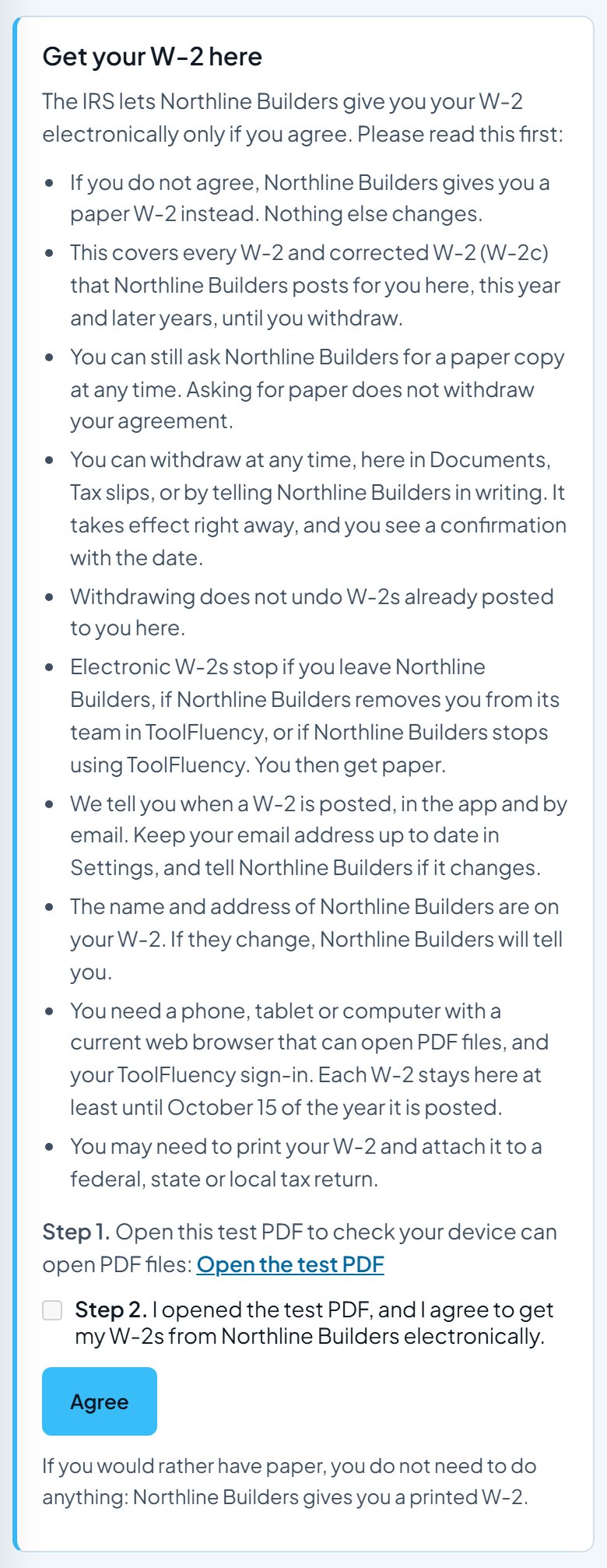
The IRS allows electronic W-2s only for people who agree. Work Suite shows the required notice, checks they can open a PDF, and records their answer. They can withdraw any time, and anyone who does not agree gets paper.
Try it with your own crew. Sign up free, add your people, and run your first payroll. Payroll is part of Business Pro. Your free trial includes it, with no card.
Start freeScreens updated 2026-11-16 from the live app. Names and amounts are a sample business.